Invoicing & Payments Hub
Build Revenue Systems That Improve Cash Flow
Learn how to create professional invoices, track client payments, improve cash flow, manage late payments, and build reliable billing systems that support a healthy business.
What You’ll Find in the Invoicing & Payments Hub
The Invoicing & Payments Hub contains the systems, guides, templates, and resources self-employed professionals need to manage client billing, improve cash flow, and create reliable payment processes.
Whether you’re a freelancer, consultant, contractor, or service provider, these resources help streamline invoicing, reduce payment delays, and build professional client payment workflows.
New to Invoicing and Client Payments?
Self-Employed Invoicing System
Client Payment Workflow Guide
Professional Invoice Template
Late Payment Follow-Up Process
START HERE
Client Payment Tracking System
Learn how to create a repeatable process for invoicing clients, tracking payments, following up on overdue invoices, and improving cash flow.
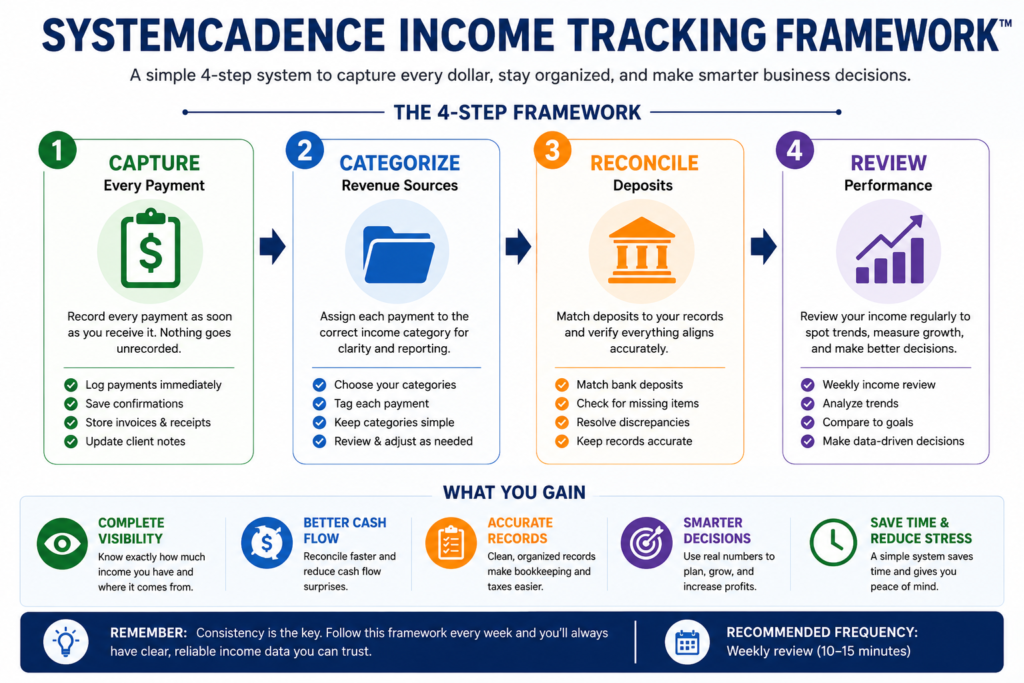
The SystemCadence Income Visibility Framework™
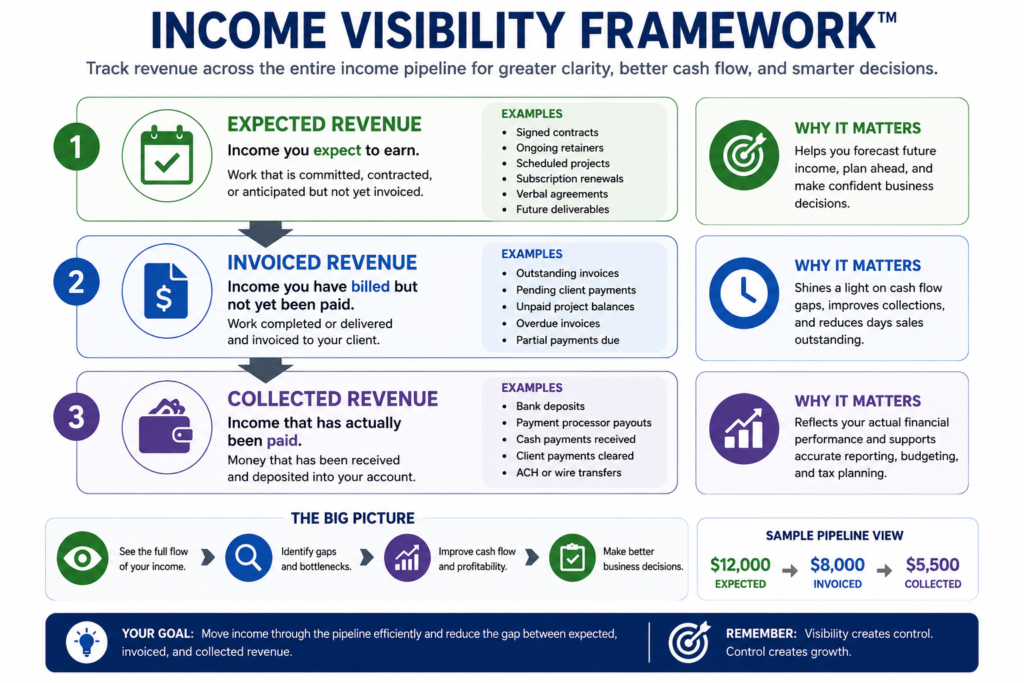
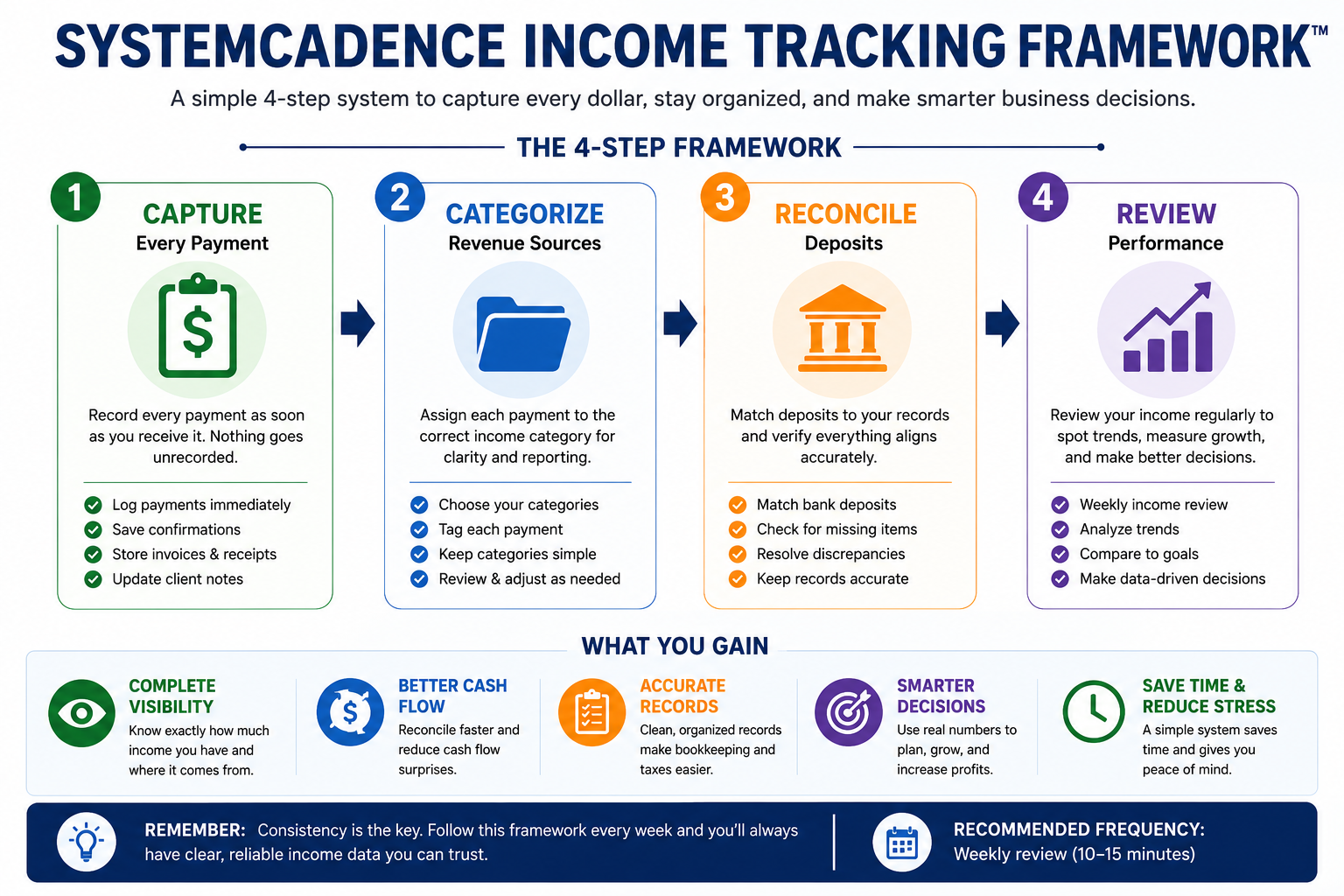
The Income Visibility Framework™ helps self-employed professionals understand where revenue originates, how payments move through the business, and where collection delays impact cash flow. By tracking income through a structured workflow, business owners gain better financial visibility and can make more informed decisions about growth and profitability.
Reliable payment systems help create predictable cash flow and reduce administrative stress.
This hub focuses on invoicing workflows, payment tracking, client billing systems, late payment management, and cash flow processes designed specifically for self-employed professionals.
The goal is simple: get paid accurately, consistently, and on time.
Invoicing & Payments Hub
Invoicing
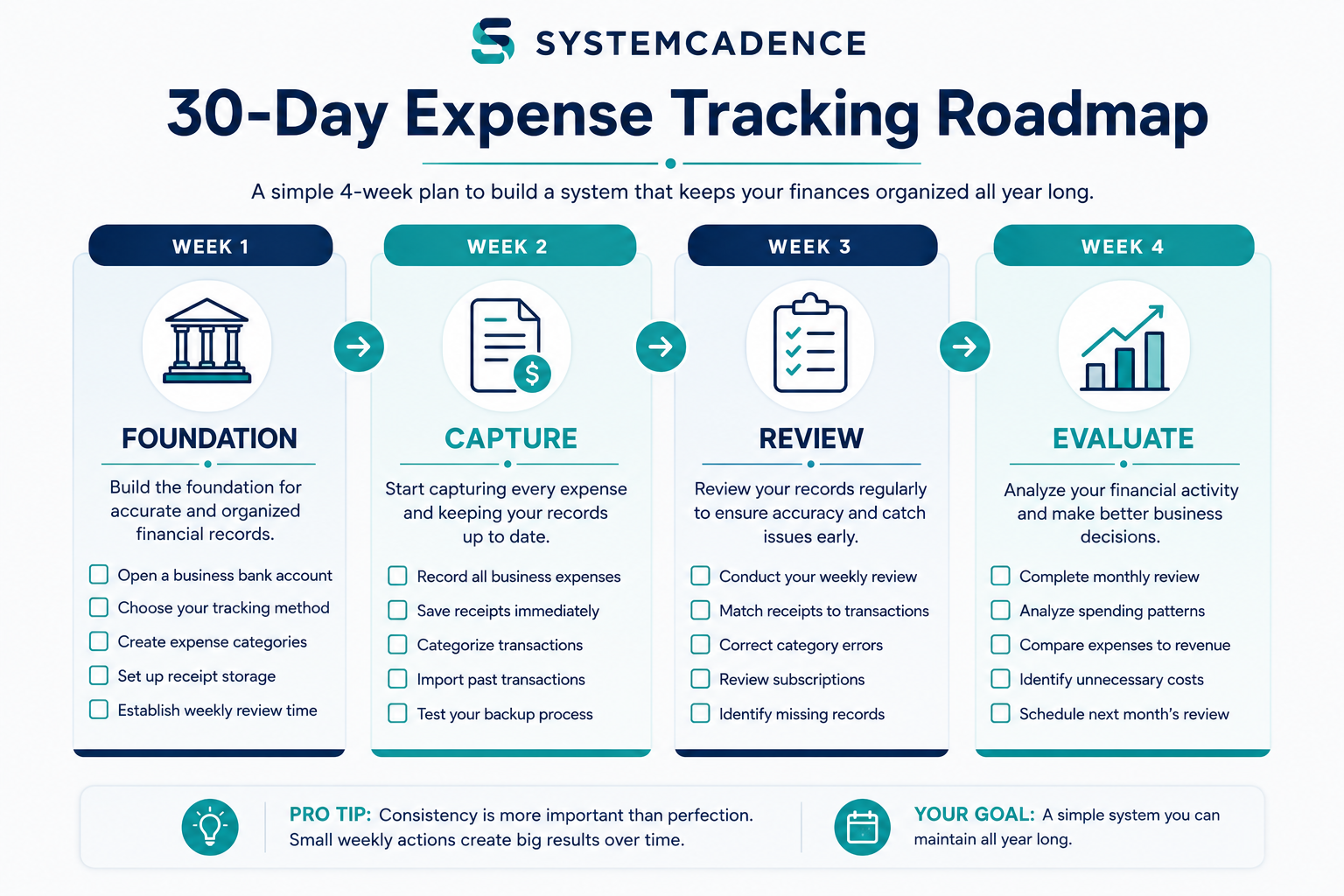
Build a repeatable invoicing process that helps you send invoices consistently, reduce delays, and improve cash flow.
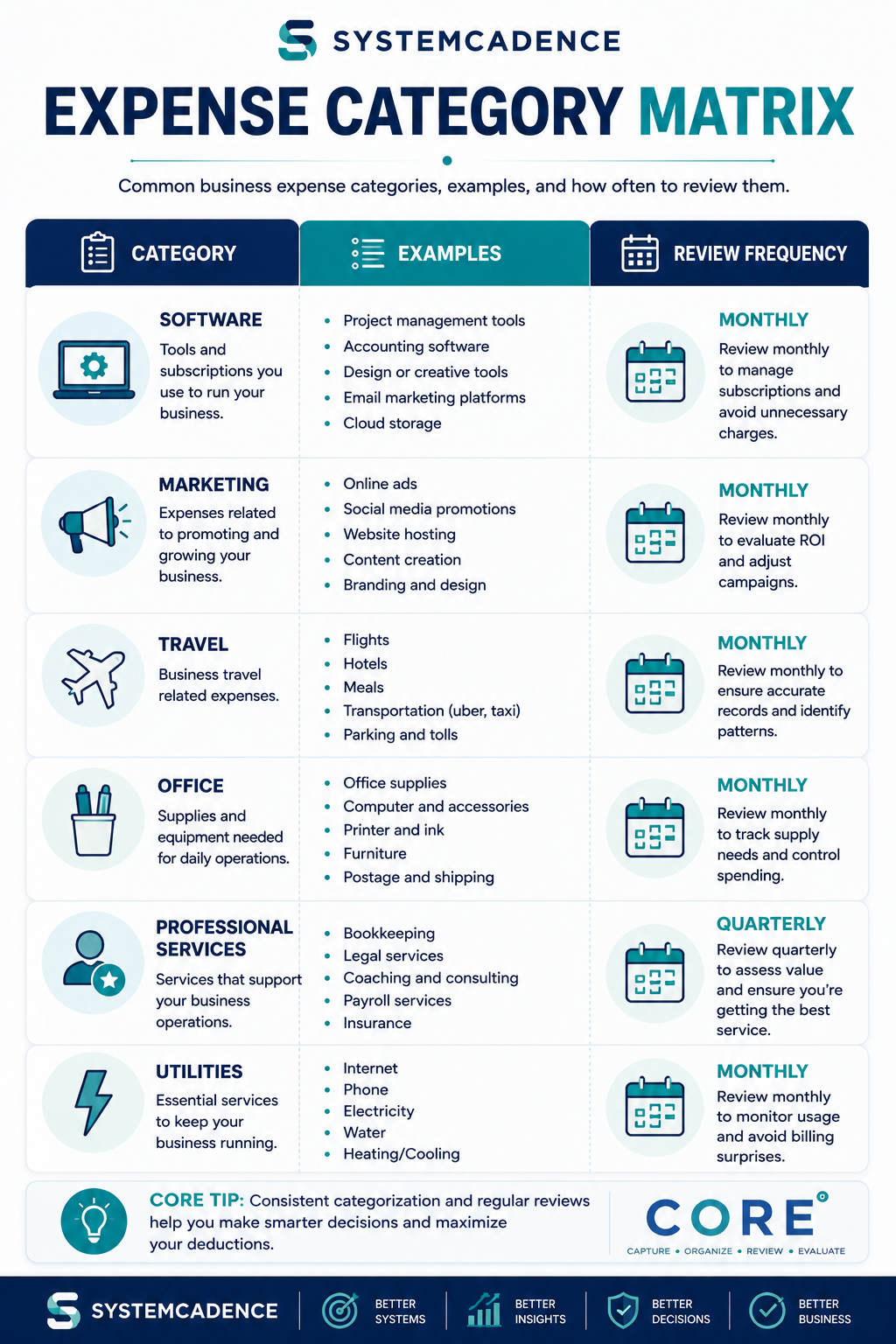
Use a professional invoice template designed for freelancers, contractors, and self-employed business owners.
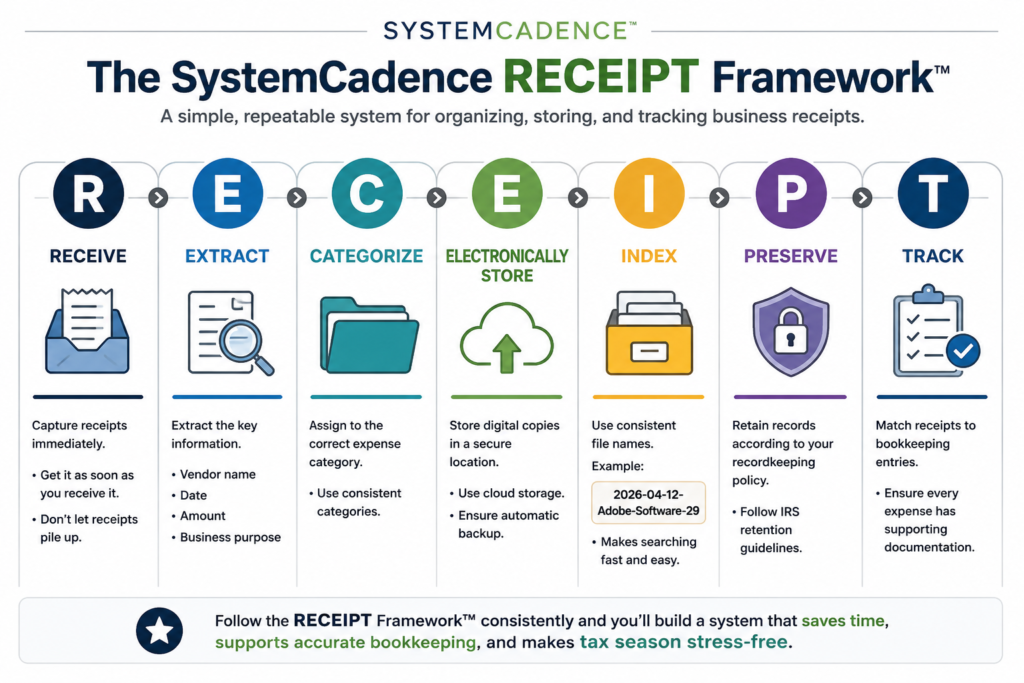
Learn the essential elements every invoice should include to improve accuracy, professionalism, and payment speed.
Invoicing & Payments Hub
Client Payments
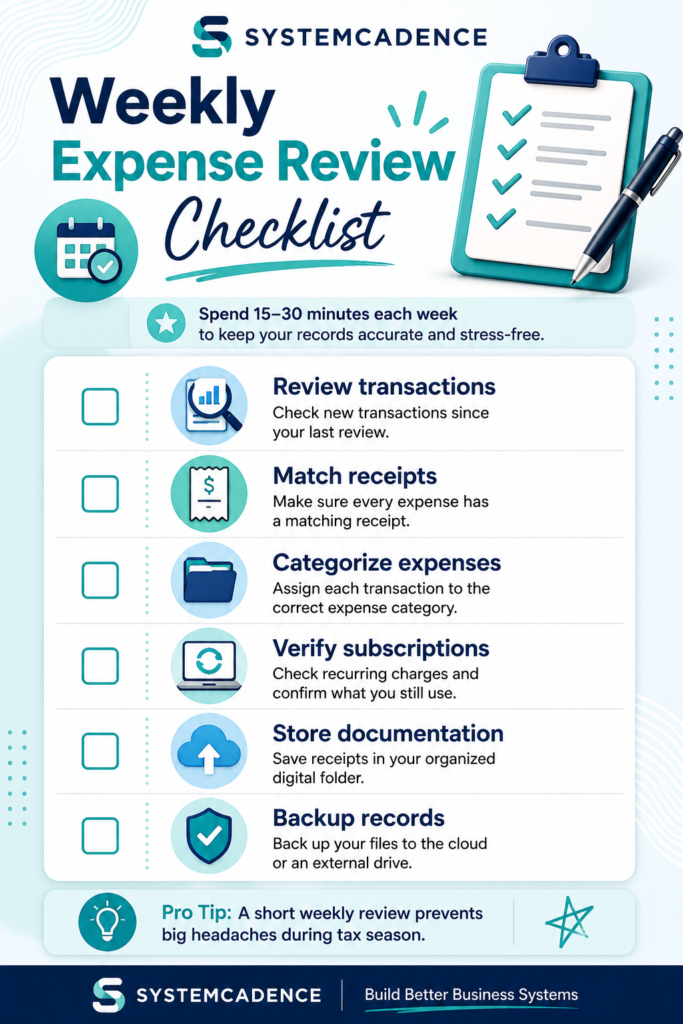
Create a simple system for monitoring outstanding invoices, payment status, and incoming revenue.
Establish a structured process for collecting payments and reducing the risk of overdue invoices.
Use a consistent follow-up workflow to remind clients, maintain professionalism, and improve payment collection.
Invoicing & Payments Hub
Cash Flow
Learn how to monitor incoming and outgoing cash so your business remains financially stable throughout the year.
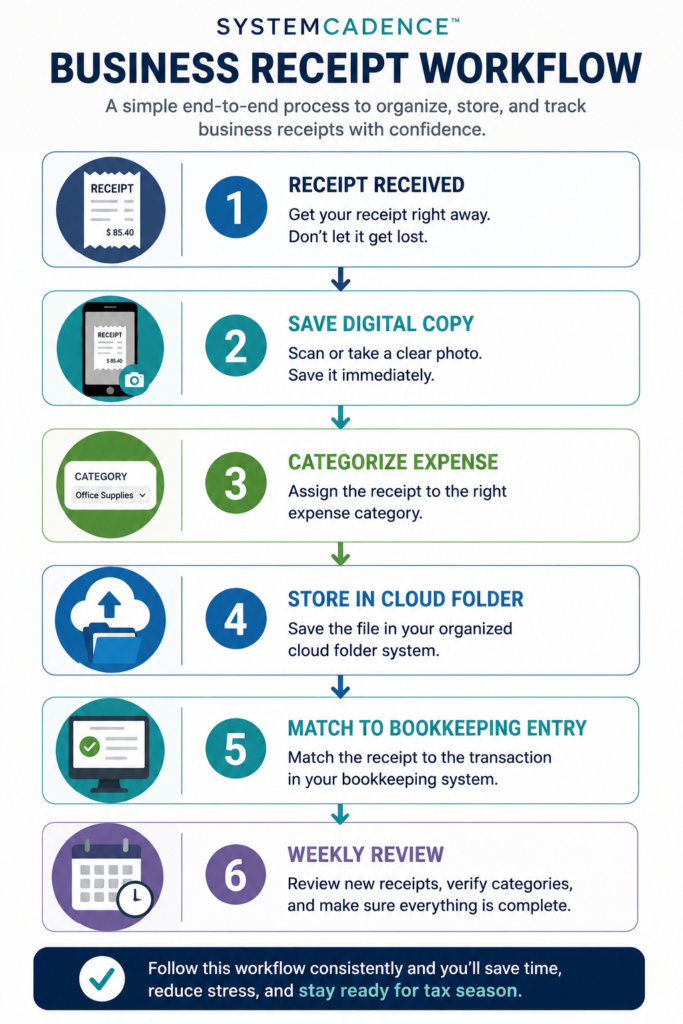
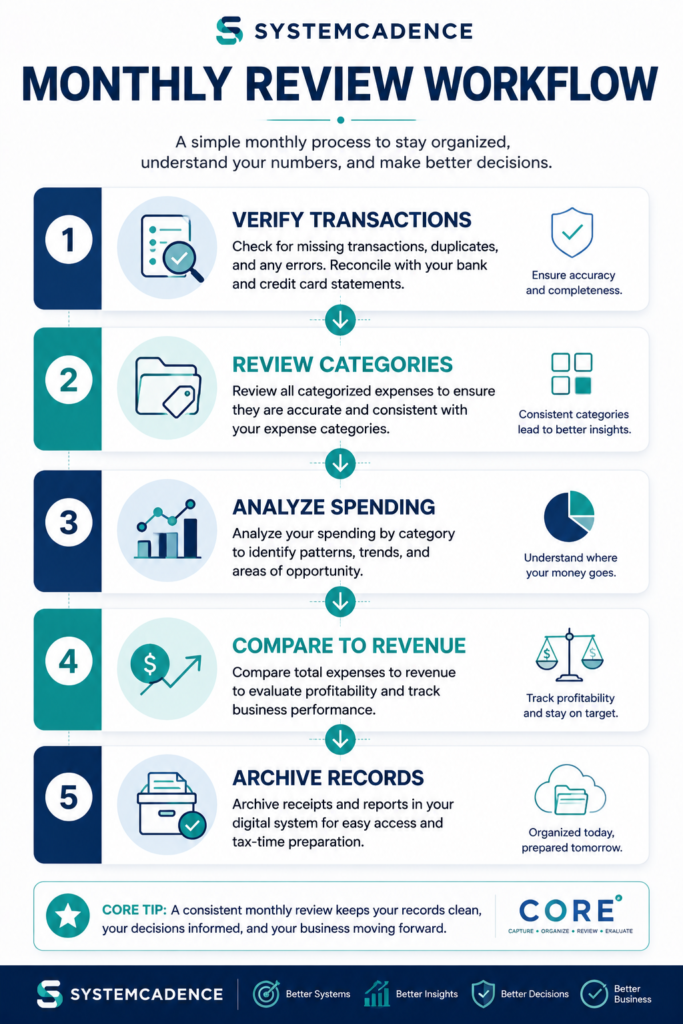
Build a repeatable system for tracking income, monitoring trends, and understanding business performance.
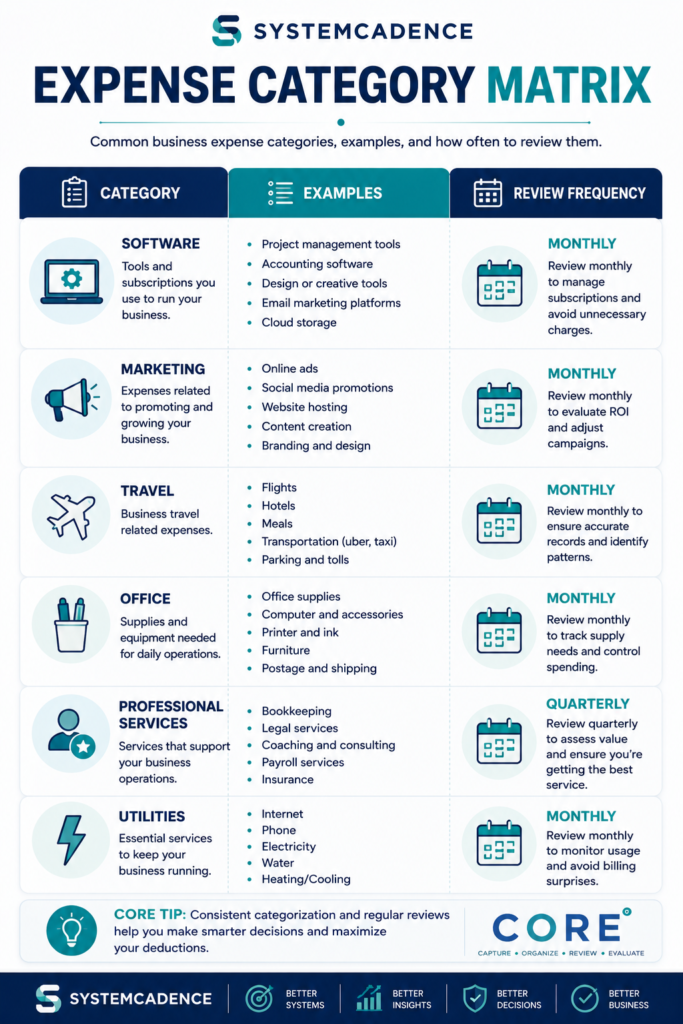
Use a simple spreadsheet to record revenue, organize financial data, and maintain accurate income records.
Build a Complete Client Payment System
Getting paid consistently requires more than sending invoices.
The resources in this hub help self-employed professionals:
- Create professional invoices
- Establish payment procedures
- Track outstanding invoices
- Follow up on late payments
- Improve cash flow management
- Build repeatable client payment systems
Start with the Client Payment Tracking System, then explore invoicing workflows, payment collection processes, and revenue management systems to build a complete financial operations process.
Invoicing & Payments Hub
Payment Systems
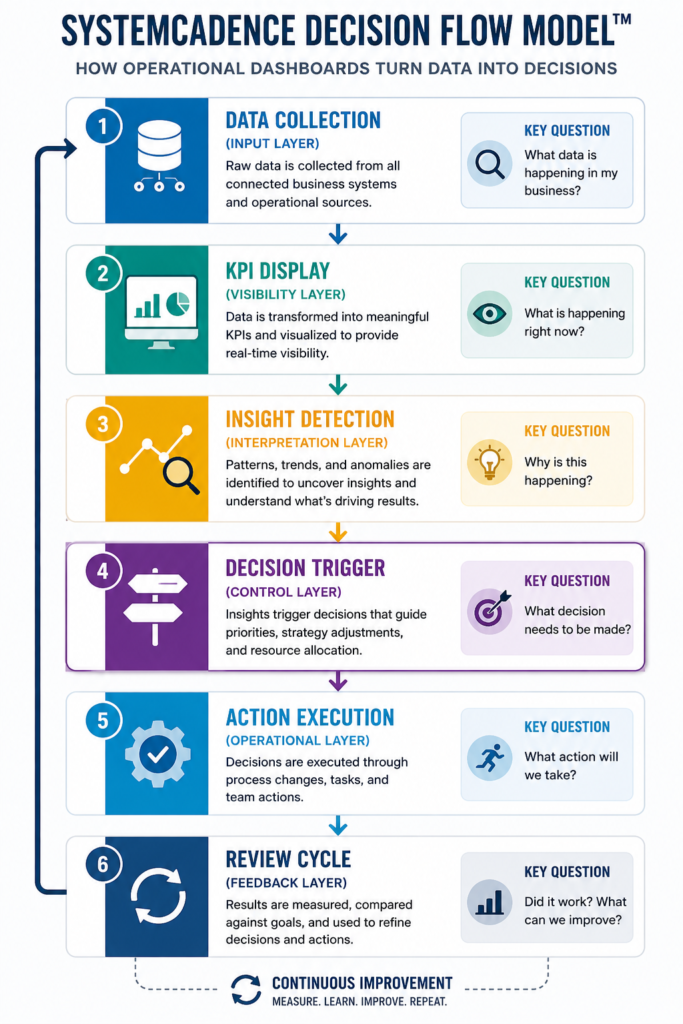
Create a step-by-step process for handling overdue invoices while maintaining positive client relationships.
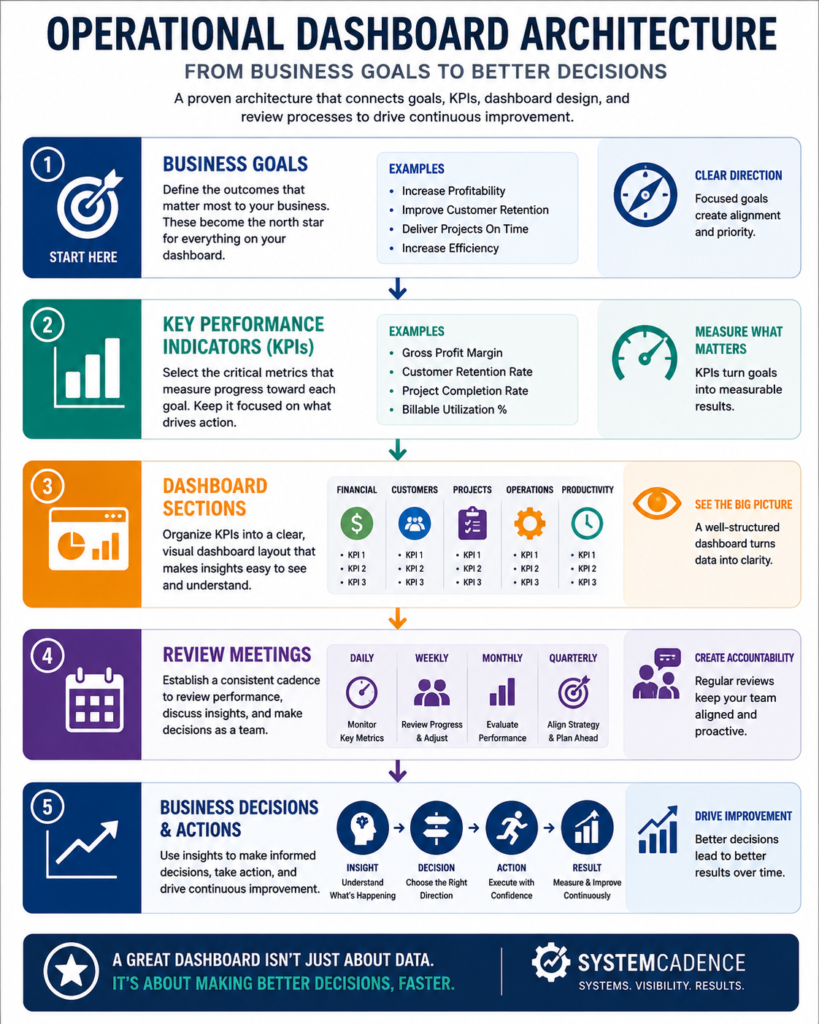
Develop a workflow for tracking unpaid invoices, managing collections, and improving cash flow visibility.
Review revenue trends each month to identify opportunities, monitor performance, and support better business decisions.
Continue Building Your Financial Systems
Explore additional guides, templates, systems, and resources designed to help self-employed professionals stay organized year-round.
Explore Related Business Systems
Bookkeeping & Expense Management
Track and organize business finances.
Taxes & Compliance
Manage tax obligations and recordkeeping.
Business Operations
Build repeatable workflows and operating systems.